What to try, in order
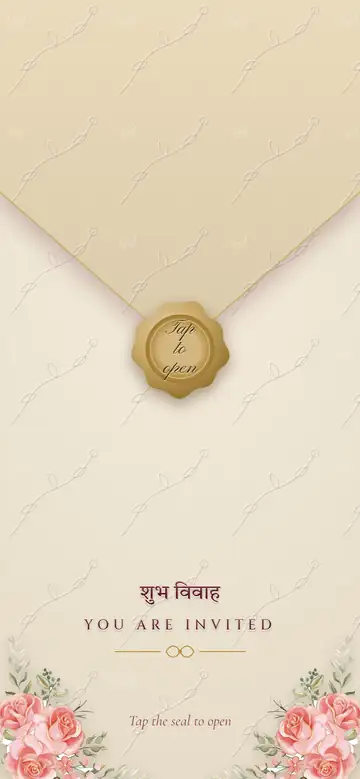
- Tap the wax seal. The flap lifts and the envelope opens.
- Rub the heart with your finger until the wedding date shows through.
- Scroll down to see the two names inside a gold heart.
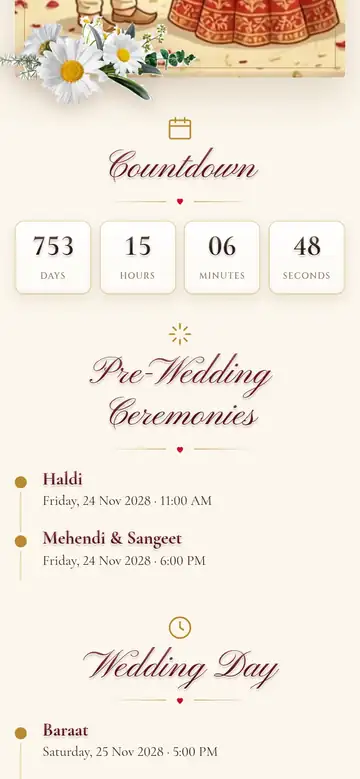
- Keep going through the family card, the video, the countdown and the list of events.
- At the venue, tap View on Google Maps.
Open it on your phone if you can, because that’s where your guests will see it.

What you can change
- Every name, family line and blessing
- The wedding date, the events and their times
- The venue, and your family home if you want to show it
- The colours: pick one of 8 colour sets, then change any of its 5 colours
- The font for the two names, out of 5
- The symbol at the top, the mantra and the shloka, or none of them
- The video or photo, in place of the default video
What stays the same
There is one design today, so every invite has the envelope, heart and family card in this order. Labels such as You are invited, Countdown and Venue stay in English. There is no RSVP and no music.
When you’re ready
Making and previewing your own invite are free. You need an account, and you pay ₹159 only when you publish. See what ₹159 covers. If your cards are already printed, you can start from your printed card.
Create your account